A familiar path through every deal.
Turn work you repeat into commands you can use again. Screen a deal or extract a rent roll. Draft terms, review a memo, or read the portfolio. Each result is sourced and ready for your team to edit.

01 · How a command runs
Each workflow starts from the deal record.
- Before it writes, the workflow reads the deal’s files, the working model, the prior outputs, and deal memory.
- Each workflow updates the same model. The next one starts with those numbers.
- Missing inputs stay visible until the team resolves them.
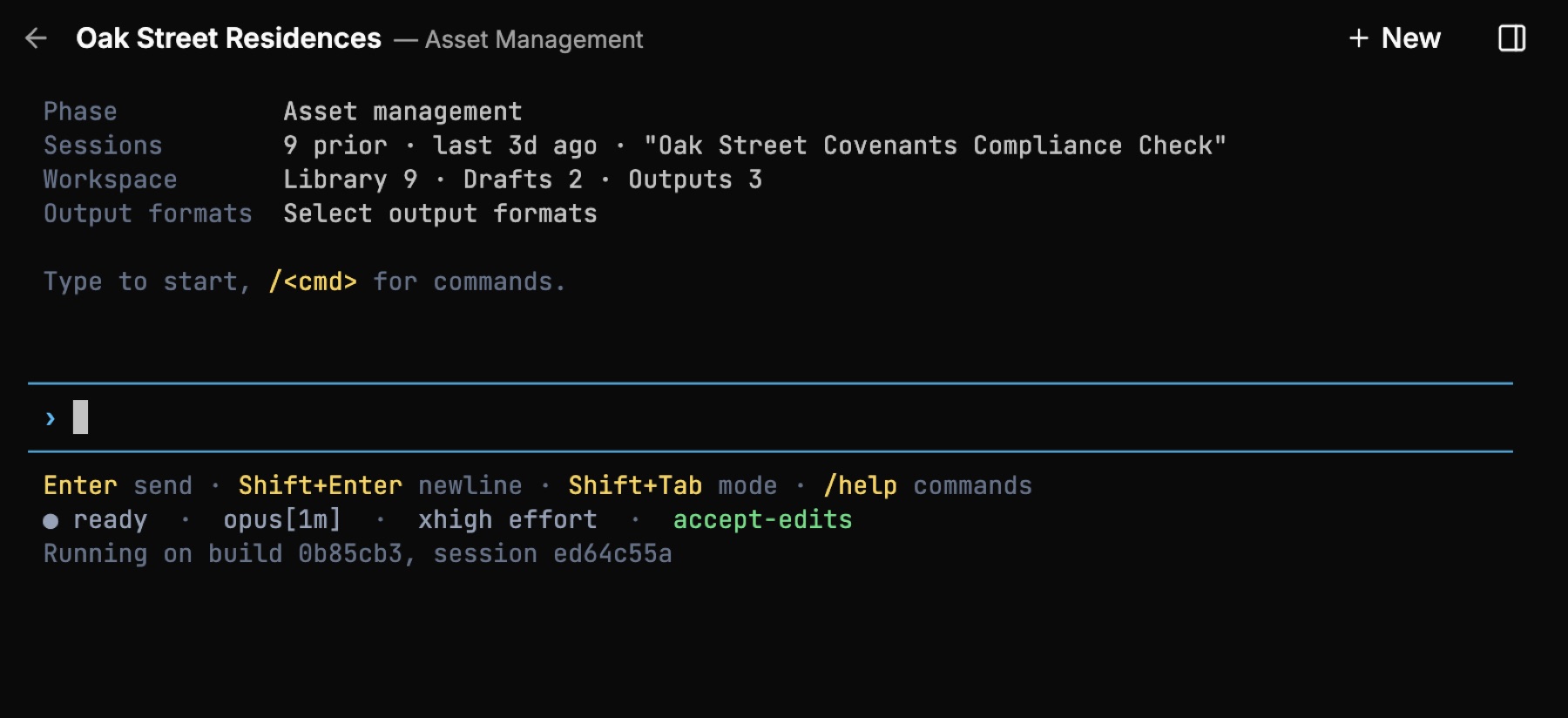
Fig · One command, the deal’s own files and model
The command set
Every command does one kind of work.
A command extracts, drafts, updates, or reviews, and its name says which. The analyst knows what it will do before running it. Plain English stays available when the next question is exploratory.
Extract
The rent roll and the capital stack
/extract:rentroll and /extract:cap-stack read the source into the model, line by line. The evidence goes down first.
Draft
From the screening note to the IC memo
The screening model and the pursue-or-pass note. The indicative terms and the term sheet. The DD request list and the closing checklist. The IC and credit memos, return-first and downside-first.
Update
The term sheet and the checklist
/update:term-sheet returns a redline beside the clean version. The closing checklist moves items through closing, funding, and post-closing, each with a deliverer, a due date, and a status.
Review
The memo and the term sheet
/review:memo reads the memo against the model, the sources, and the house standard. The same read runs on the term sheet. What to change is the analyst’s call.
Deal & documents
The record and the paper
File a fact, a party, or a decision for every later session. Finalize snapshots the memo and the model together. The comp set goes on a map. PDF assembly merges, splits, watermarks, stamps, and encrypts the closing set.
Portfolio
The cross-deal view
The portfolio report, the sponsor exposure, and the portfolio workbook, read off each deal’s locked summary, for the people you choose.
02 · Facts first, then the view
Read the facts. Then set your assumptions.
- Extraction turns a raw rent roll or T-12 into a clean, source-traced read and writes it into the model. It finds the rent roll buried in a workbook tab or a PDF exhibit.
- The operating extract leaves the property-tax line out on purpose: the seller’s trailing taxes understate forward taxes once the property reassesses on the new basis.
- Set the forward view on rents and cap rates, operating costs and renovations, then debt. Compare each proposed assumption with the current figure before you confirm it. Or type a number into the cell. The terminal uses it on the next pass.
- The model holds live Base, Upside, and Downside scenarios. After every write it recalculates, checks the workbook against your house formula standards, and confirms NOI, occupancy, and returns moved to the right values.

Fig · Extract, confirm, then write the view
Three voices, by seat
The memo in your house format, recommendation first.
Screening gets to the answer quickly. IC leads with returns; credit leads with downside. Review the sourced outline before the draft. Every figure traces to the model or a document, and unresolved numbers wait for your input. Mark up the draft with every change tracked.

Fig · IC and credit memos, your committee format
From screening to ownership
The model grows with the deal.
Start the model at screening and develop it through underwriting. True it up at closing, then carry it into the asset-management trackers. Each command picks up the same work.
- 01
01
Screen the new deal
Build the first-look numbers and draft the screening note. The analyst decides whether to pursue or pass.
- 02
02
Extract and underwrite
Normalize the rent roll and the T-12, then set revenue, expense, capex, and financing assumptions into the same model.
- 03
03
Draft the IC memo
Draft the memo in your house format, recommendation first, then run the review and read the findings.
- 04
04
True up at closing
Tie the settlement statement to the approved deal and write the actual going-in basis back into the model.
- 05
05
Track performance through ownership
Close each period against budget and the original underwrite in your house trackers. Test the covenants. The locked deal summary feeds the portfolio view.
Start with a command, keep working
Run the command, then keep going in plain English.
Start with a command, then follow the question. Challenge an assumption or ask why a figure moved. Add a file and keep going. Save work you want to repeat as a command of your own. Keep it private or share it with the team.

Fig · Command first, then work the way you think
03 · Your portfolio, with access you control
Give the right people the full picture.
- The portfolio read rolls up each deal’s locked headline summary: exposure, concentration by asset class, market, sponsor, and lender, the debt-maturity ladder, and performance versus plan.
- Coverage reconciles first: how many deals are in the book, how many carry quantified summaries, what is excluded and why. Every total foots to the deals beneath it.
- The cross-deal view requires an explicit entitlement, re-checked on every request. Each deal’s working model stays with that deal’s team; the portfolio reads locked summaries and notes where a deal has been re-underwritten since its last lock.
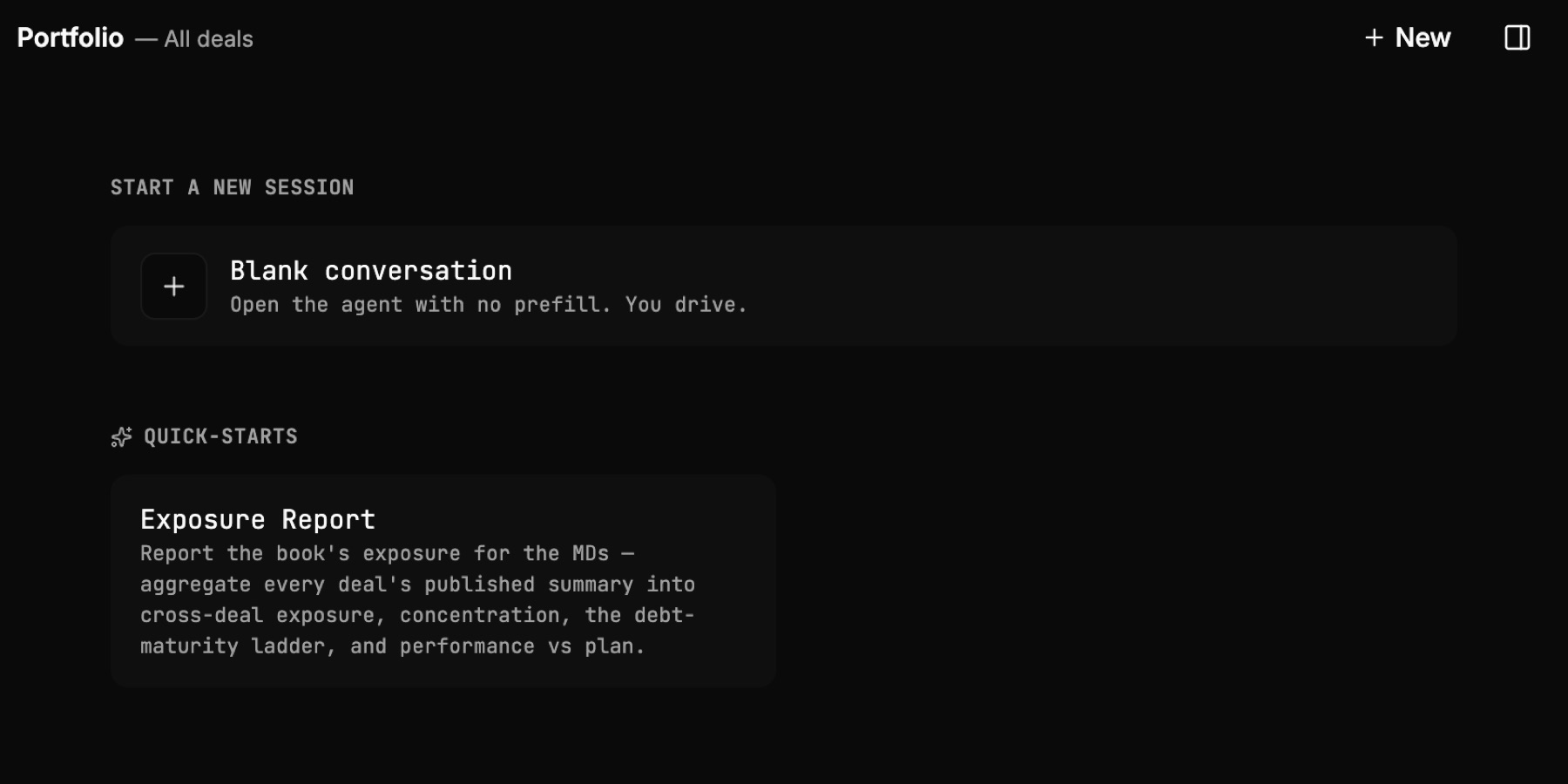
Fig · Portfolio exposure, entitlement-controlled per deal
Less time preparing. More time deciding.
Let workflows handle the repeatable work. Set assumptions and weigh risk in the terminal or the file. Pricing and the recommendation stay with your team.
Screening surfaces the numbers
The first-look pass returns headline figures and sourced facts, ready for the analyst to size up and decide.
Trace each figure to its source
Every extracted figure carries its source line. Start your analysis with the evidence.
Every write is analyst-directed
Changes are proposed, then written on confirmation. Memos are drafts the analyst authors and owns. The work moves at your direction.